


TotalAccess is FileBank’s AI-empowered document management platform. It brings your scanned files, digital documents and stored boxes together in one secure, searchable library. Every page is OCR’d, so your team can search the text inside documents, filter by your own index fields and ask an AI assistant about your records, all from one place. Every account includes unlimited users and two-factor login.
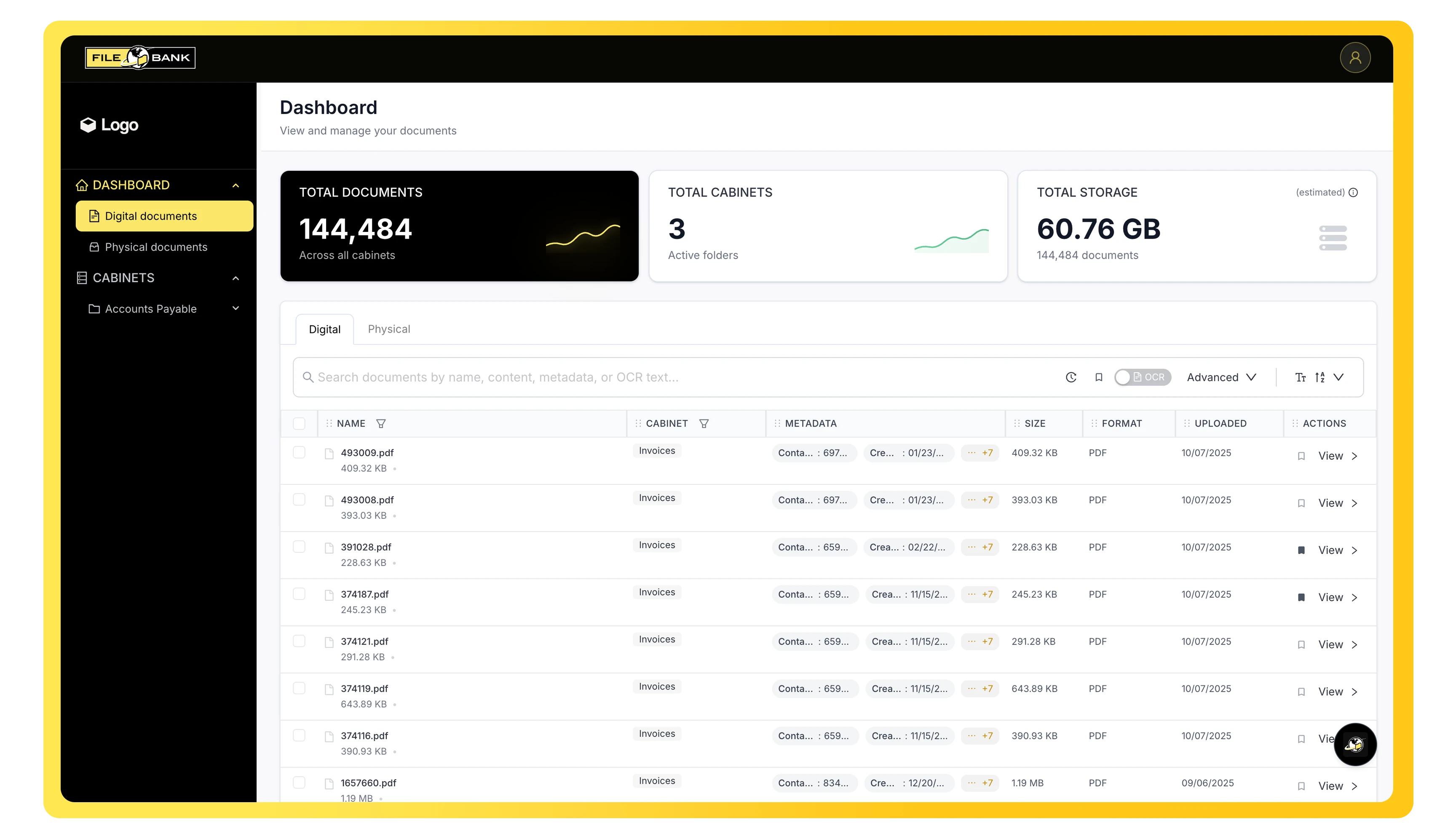
TotalAccess closes the gap between storage and retrieval. It indexes your records and makes their full contents searchable, so your team can pull the answer they need in seconds instead of an afternoon. A dashboard shows your total documents, cabinets, folders and storage at a glance.
Securely store digital files while tracking every upload, view, download, revision, version and status change, so the current record and its full history are always clear.
Our team indexes your documents by hand, automatically or with AI assistance. Files are sorted into logical types, such as invoices, contracts and HR records, standardizing how your documents are indexed and routed.
Attach structured index fields like vendor, date or invoice amount to any document, making filtering and reporting precise instead of approximate. Each user can arrange their own view of the fields that matter to them.
Preview documents in the built-in viewer, bookmark the files you use most, and export a CSV of file names, index fields and links whenever you need a report. Need the files themselves? We deliver full bulk exports by secure SFTP or on an external hard drive.
OCR-powered search reads the text inside images and PDFs and instantly highlights every match across file names and metadata, so you know you’ve found the right record.
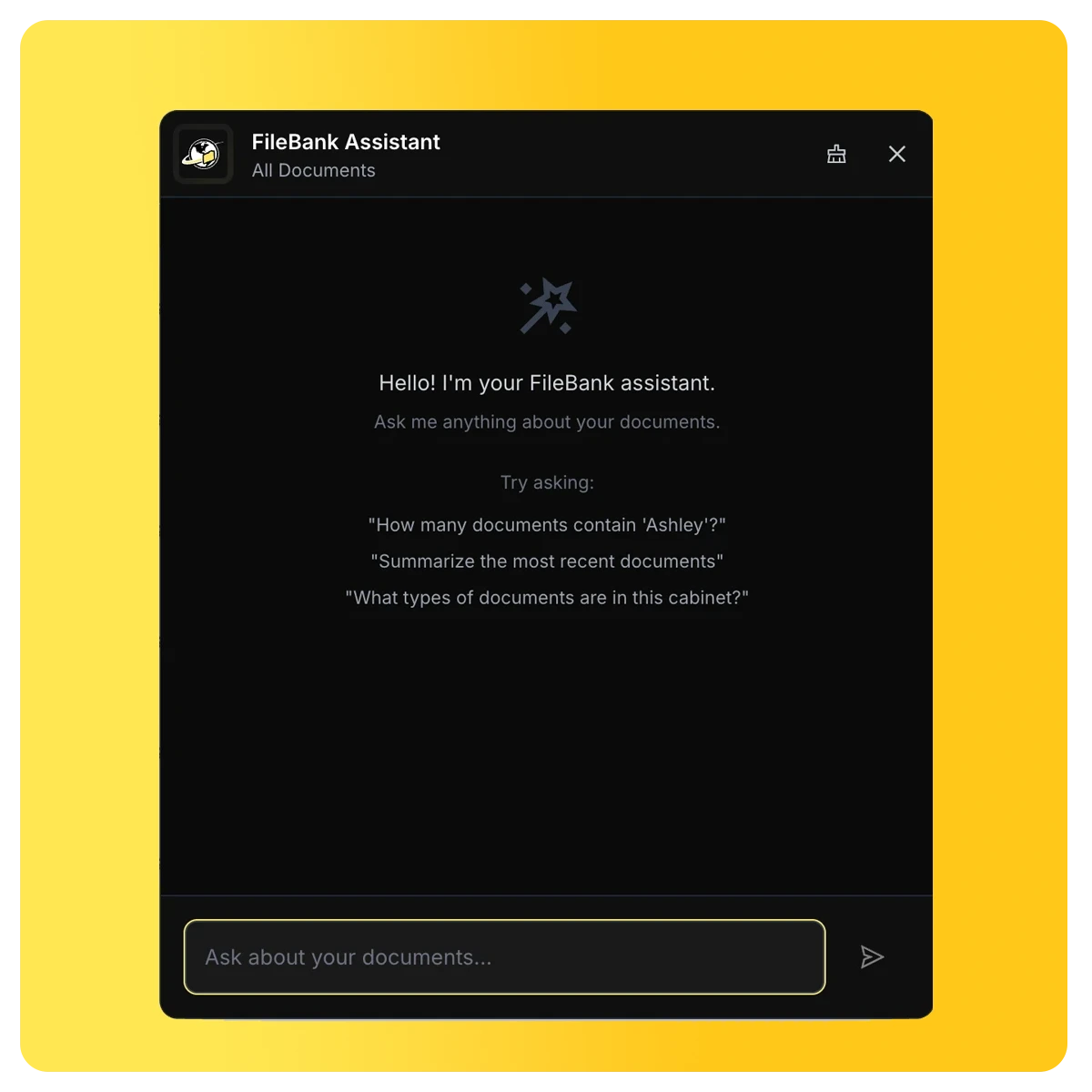
Ask natural-language questions across your documents to extract metrics, find insights or generate summaries on demand, such as “summarize the documents uploaded this week” or “which recent files mention invoices over $10,000?” The assistant reads file names, index fields and OCR text. AI answers can contain mistakes, so confirm anything important in the document itself.
Everything is locked by default. Grant or restrict access to specific documents and cabinets by user, and use roles to control who can view, download, edit index fields, move or delete, so sensitive records stay visible only to the people who should see them.
Every login uses two-factor authentication. Give an auditor or outside counsel access that expires on its own.
Advanced encryption, monitoring and secure access controls keep your data confidential and intact.
Detailed tracking and reporting keep every record audit-ready. Every action is logged, and you can request the logs at any time.
TotalAccess is built to align with HIPAA, FERPA and GDPR, backed by FileBank’s expertise in regulations like NIST SP 800-88 and advanced chain-of-custody protocols.
Draw redactions on a copy of any document and download it for a records request or an outside party. The original in your library stays unchanged.
Archiving plans are designed around your operational, legal and regulatory requirements.
Keep documents accessible as long as required, then delete them automatically or after your approval when they’re no longer needed. Legal holds keep records protected during litigation, audits or investigations. More about Records Retention
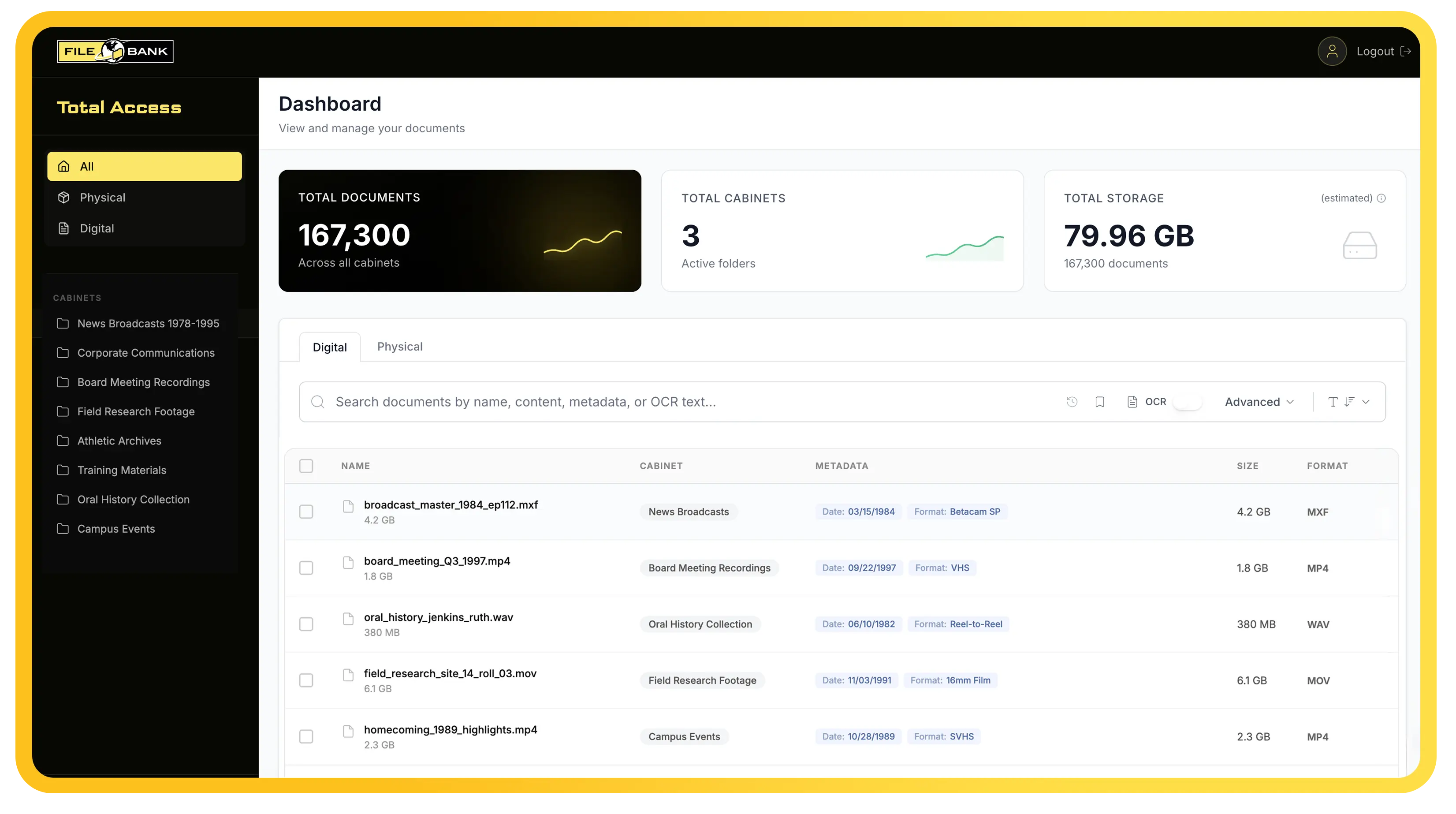
Track boxes and folders stored in The Vault® down to the warehouse location code, by barcode, description and retention date, alongside your digital records.
Our team can watch retention dates for you and flag boxes that are due for review or destruction.
Request pickups, deliveries and refiles directly from TotalAccess, with standard, rush or emergency delivery priorities. Need just one document? Have a single file delivered or scanned straight into TotalAccess.
Manage delivery addresses and service profiles so physical document logistics route to the right place every time.
We scan and index your paper records, load digital files you send us, or migrate records from V-Cabinet or another system. With Doc-in-the-Box, you ship boxes and we handle the rest.

We use TotalAccess ourselves, and we built it around how our clients actually look for records: by name, date, keyword or the words inside a scanned page.
A user-friendly interface with simple screens and clear search results means staff at any technical level can find what they need, with support from our team when they have questions. You can also brand your account with your organization’s name and logo.
Your scanned documents, remediated PDFs, stored boxes and digitized film and video all live in one secure library.
With 40 years of experience, the same FileBank team that scans, stores and securely destroys your records supports your TotalAccess account. The platform is customizable and scalable for public and private organizations of any size.
Trusted by schools, municipalities, healthcare providers and financial firms.
See search, security and physical records management in TotalAccess.
Document management organizes, stores and retrieves files for everyday work. Records management controls how long records are kept, who can access them and when they’re destroyed. TotalAccess does both, for digital files and physical boxes.
TotalAccess is built for records, not everyday file sharing. Every page is OCR’d, documents are indexed by our team, access is locked down by role, every action is logged, retention schedules are applied, and your physical boxes appear alongside your digital files.
TotalAccess is FileBank’s next-generation platform and replaces V-Cabinet. We’ll move your files and index fields over for you, and you’ll keep access to your records throughout.