


FileBank’s Jump-to-Digital (JTD) service gives your departments the ability to scan and manage documents on demand, directly from your office into FileBank’s secure, cloud-based TotalAccess Document Management System. No more disconnected scanners, shared drives or complicated filing processes. The solution combines a network-connected departmental scanner, FileBank’s implementation and support services, and TotalAccess into one integrated document management experience.
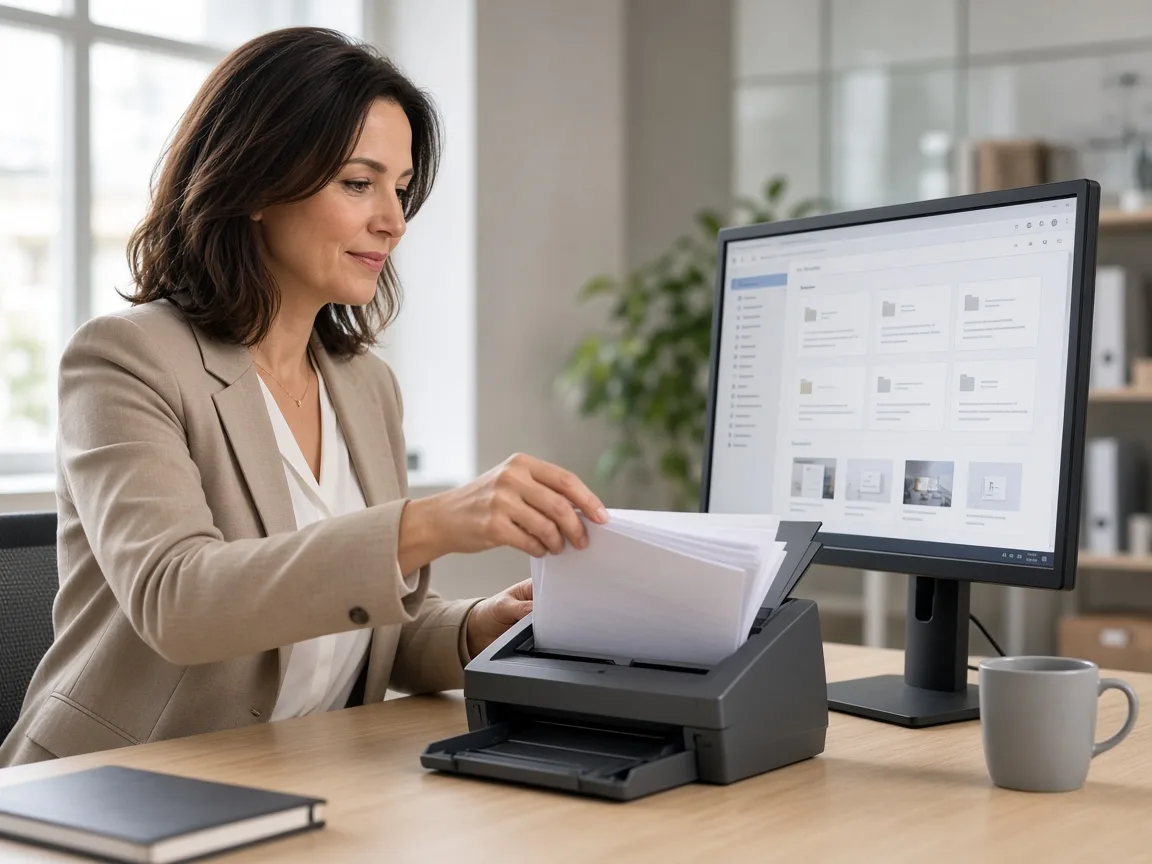
With FileBank's Jump-to-Digital service, your team can scan, index, store, search, and retrieve documents using a departmental scanner connected directly to TotalAccess.
Why send documents off-site or rely on disconnected scanning processes when your staff can digitize them as part of their daily workflow? FileBank installs and connects a professional departmental scanner to your network, configures the document capture process, and integrates it with TotalAccess. Your staff can scan documents as needed, organize them into the appropriate digital cabinets and folders, and make them available to authorized users.
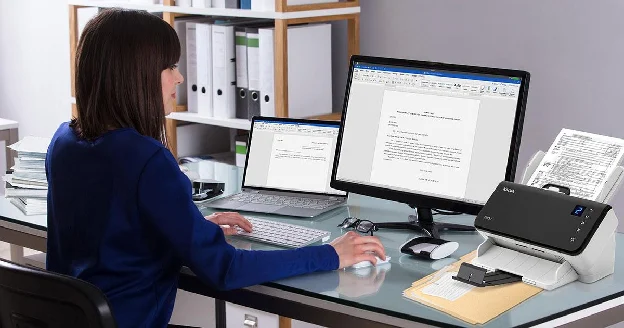
Place documents into your departmental scanner. Capture individual documents or batches directly from your office.
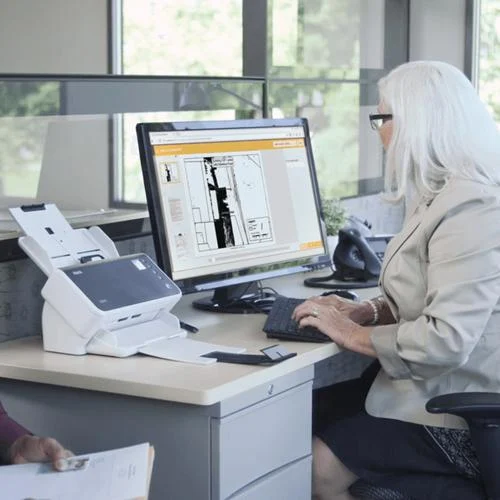
Apply document types, names, dates, and searchable metadata based on your department's filing structure.
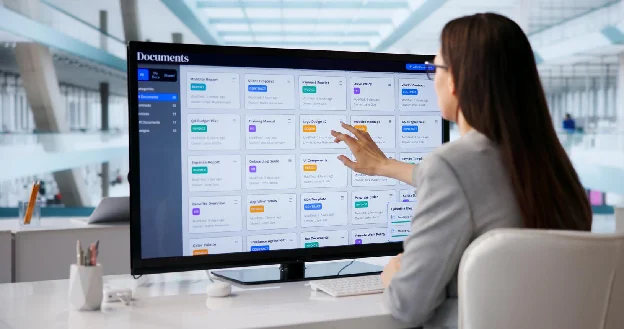
Documents are securely transferred into TotalAccess and organized in digital cabinets and folders.
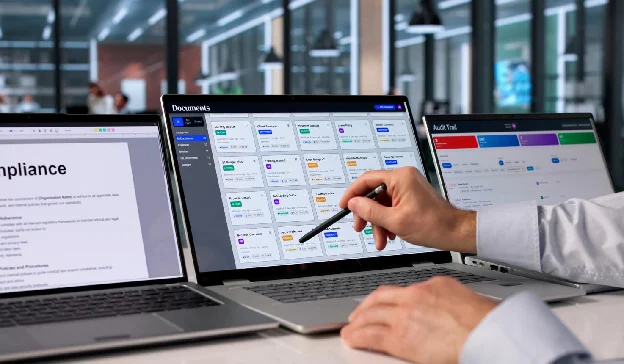
Authorized users can search, retrieve, and share documents without hunting through paper files or network drives.
Jump-to-Digital makes document capture part of your everyday business operations. Instead of relying on centralized scanning resources or sending every document to an outside vendor, departments can manage their own incoming paperwork while maintaining a consistent, secure filing process.
FileBank helps select, configure, and deploy a scanner appropriate for your departmental volume and document types.
Establish cabinets, folders, document types, and indexing conventions to keep information organized across your organization.
Give authorized employees access to the documents they need while protecting sensitive departmental records.
FileBank provides configuration, training, and support so employees can incorporate scanning into existing workflows.
Jump-to-Digital is a scalable solution for every department, particularly valuable for organizations with distributed departments, recurring paperwork, and a need for secure document access.
Start with one department and expand to additional scanners, offices, and users as your needs grow.
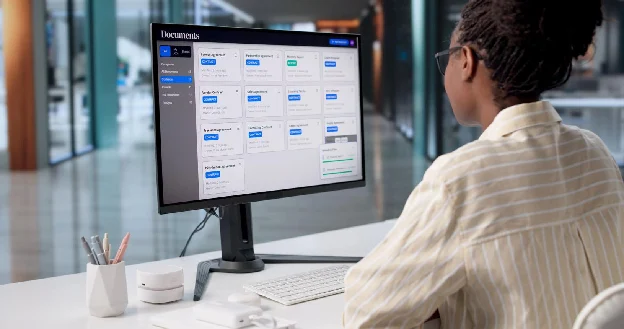
Jump-to-Digital is the capture point. TotalAccess is where your information becomes a searchable, organized, and accessible business resource. TotalAccess brings physical records inventory and digital documents together in one cloud-based platform, helping organizations manage information throughout its lifecycle.
Stop scanning documents just to create more digital clutter. Jump-to-Digital helps make sure every document has a destination, a purpose and a consistent method for retrieval.
The value of Jump-to-Digital isn't just the scanner. It's the complete solution designed, deployed, and supported by FileBank.
Review document volumes, departments, workflows, and existing systems.
Recommend and configure appropriate scanning hardware.
Establish digital cabinets, folders, metadata, and user access.
Configure the scanner-to-TotalAccess capture workflow and validate document delivery.
Help employees adopt the system and maintain consistent scanning practices.
Not every organization needs to digitize decades of paper records on day one. Jump-to-Digital allows you to begin capturing new and active documents immediately, while FileBank helps develop a longer-term plan for legacy records. The solution can be structured around departmental requirements, including scanning hardware, TotalAccess access, implementation, and ongoing support.
FileBank offers a predictable monthly service model with scalable options based on your organization’s needs. Final pricing and included services are determined during the assessment.
Give your departments the power to scan, organize and access documents without the complexity of traditional document management systems. FileBank will help assess your workflow, connect the right scanner and configure TotalAccess for your team.
FileBank can help provide and configure an appropriate departmental scanner as part of the proposed solution, subject to the selected service agreement.
No. Jump-to-Digital is designed for new and active documents your departments handle every day. For backlogs and archives, FileBank’s document scanning services or a Doc-in-the-Box subscription can digitize legacy records, and everything lands in the same TotalAccess library.